01 / 05
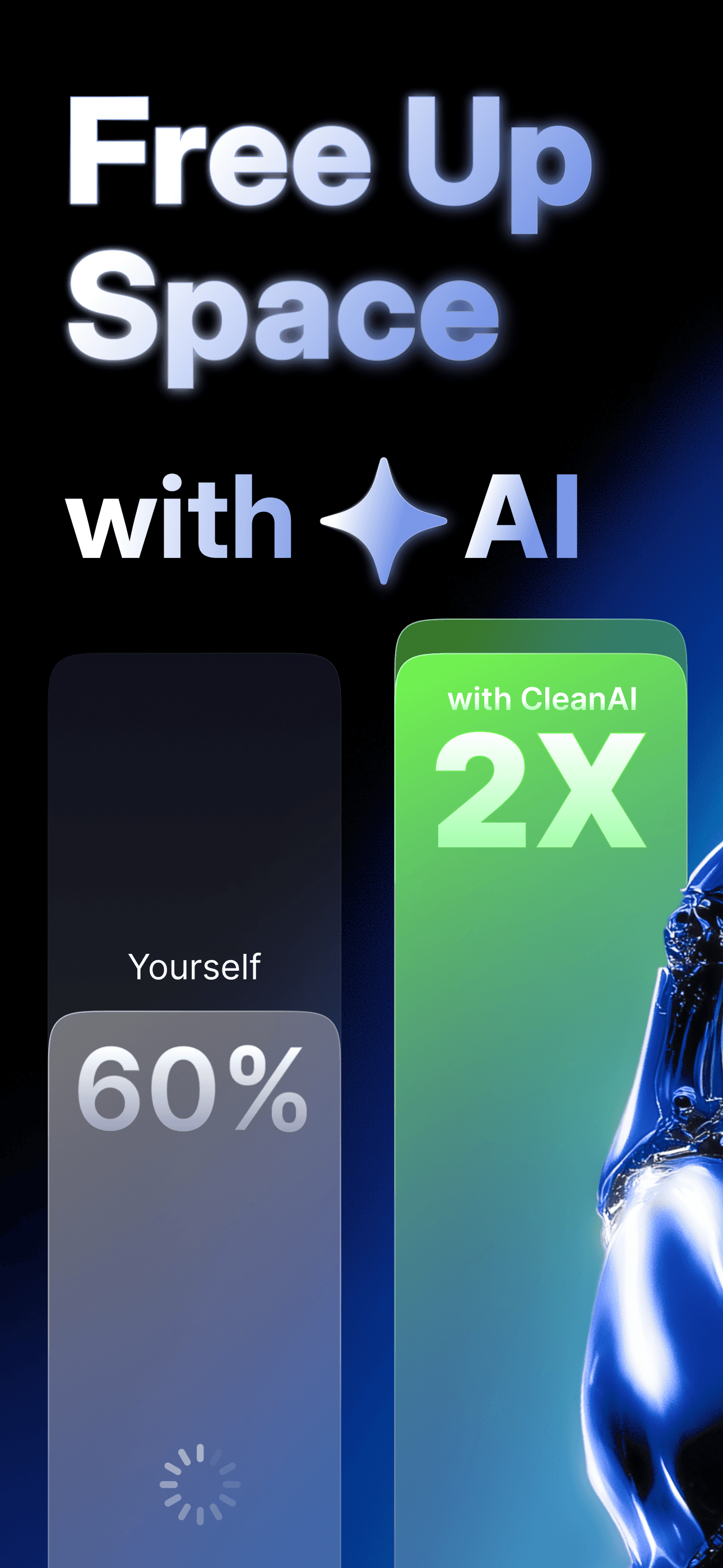
Free up space with AI
What takes hours by hand, CleanAI handles in minutes — 2× faster.
Duplicates, similar shots, blurry photos, screenshots, large videos and any photo with text in it — CleanAI finds the clutter so you don't have to scroll for it.
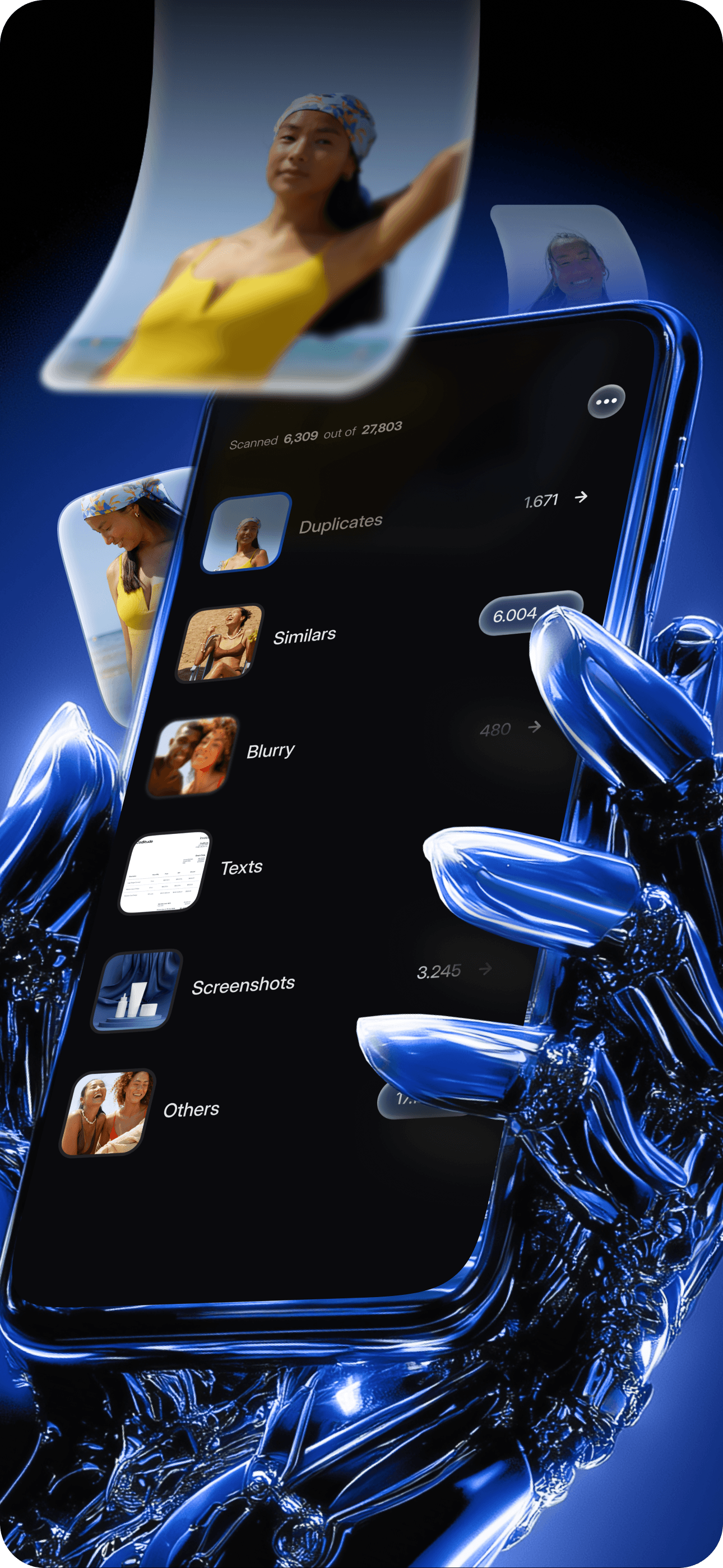
Thousands of photos build up quietly. CleanAI helps you review the mess in minutes, not hours.










Each one looks for a specific kind of mess. You decide what stays.
Finds exact and near-duplicate photos by content, not filename.
Three flavors — photos, screenshots, and text shots. Look-alikes grouped, you keep the best.
Photos that didn't focus, flagged so you can drop them.

Years of forgotten screenshots, gathered into one album to clear in a sweep.
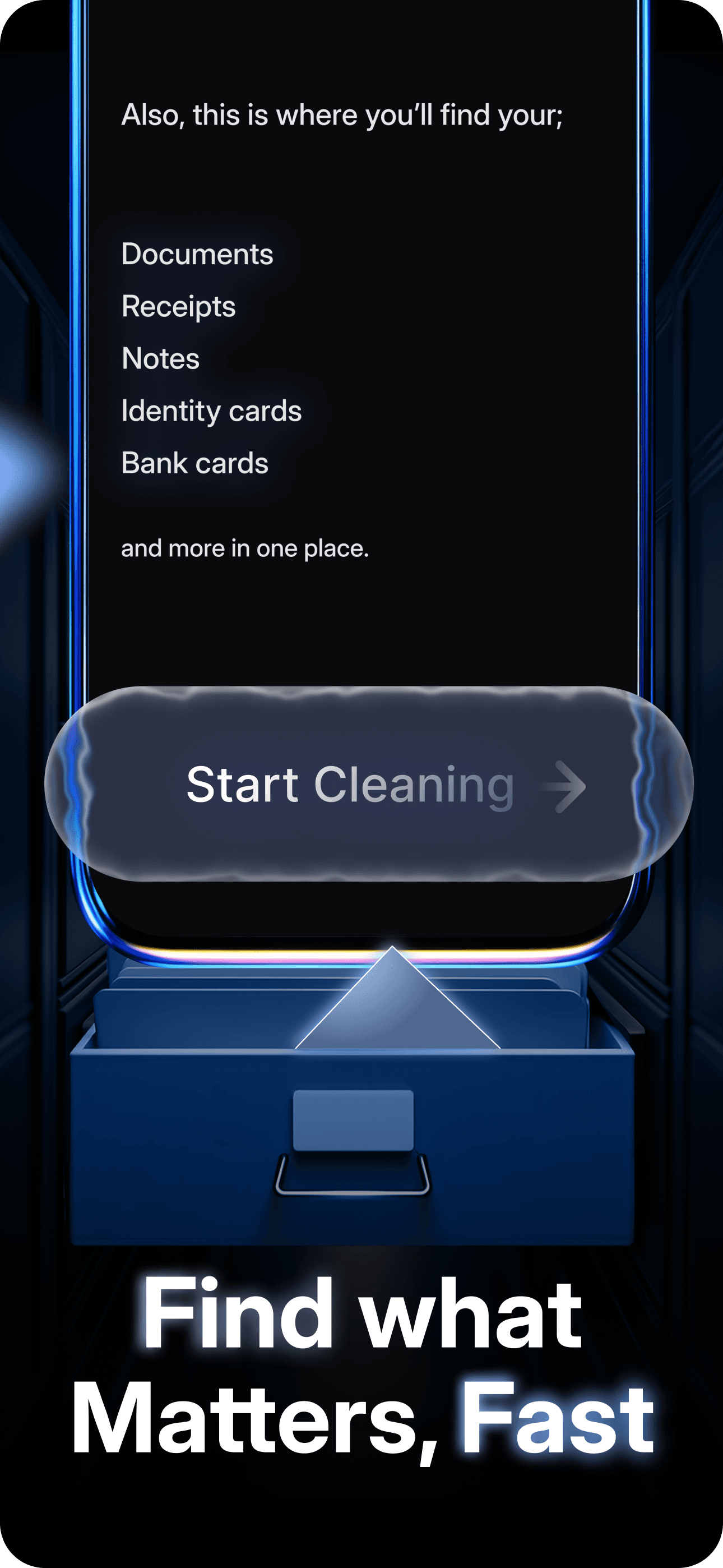
Every shot that hides writing — handwritten notes, receipts, IDs — rounded into one album. Look-alikes grouped, the rest listed.
Videos sorted by size. The half-gig ones, first.
Nothing leaves your gallery until you tap delete. Keep, delete or review — your call, every time.
Straight from the App Store listing.
What takes hours by hand, CleanAI handles in minutes — 2× faster.
Every kind of mess, in one view.
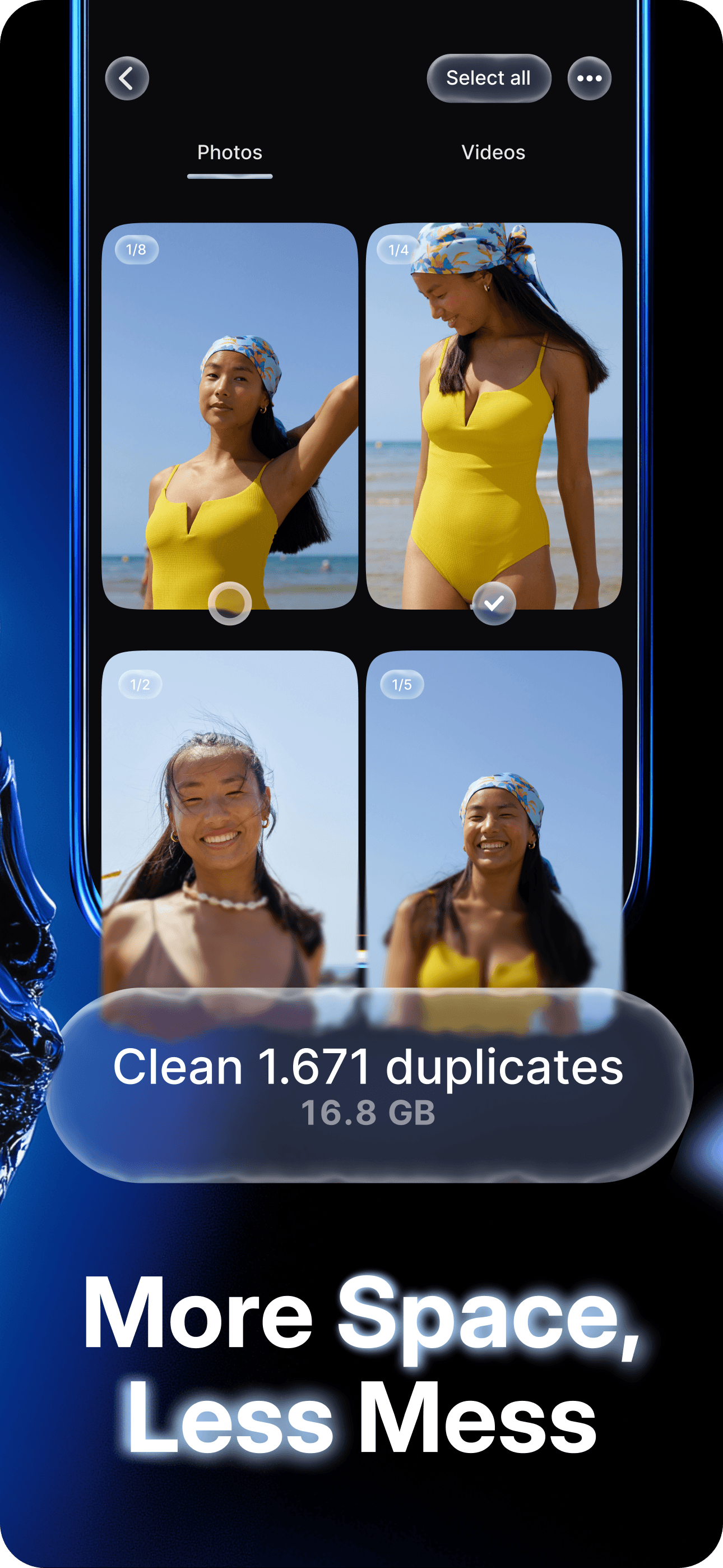
1,671 duplicate photos removed. 16.8 GB freed.
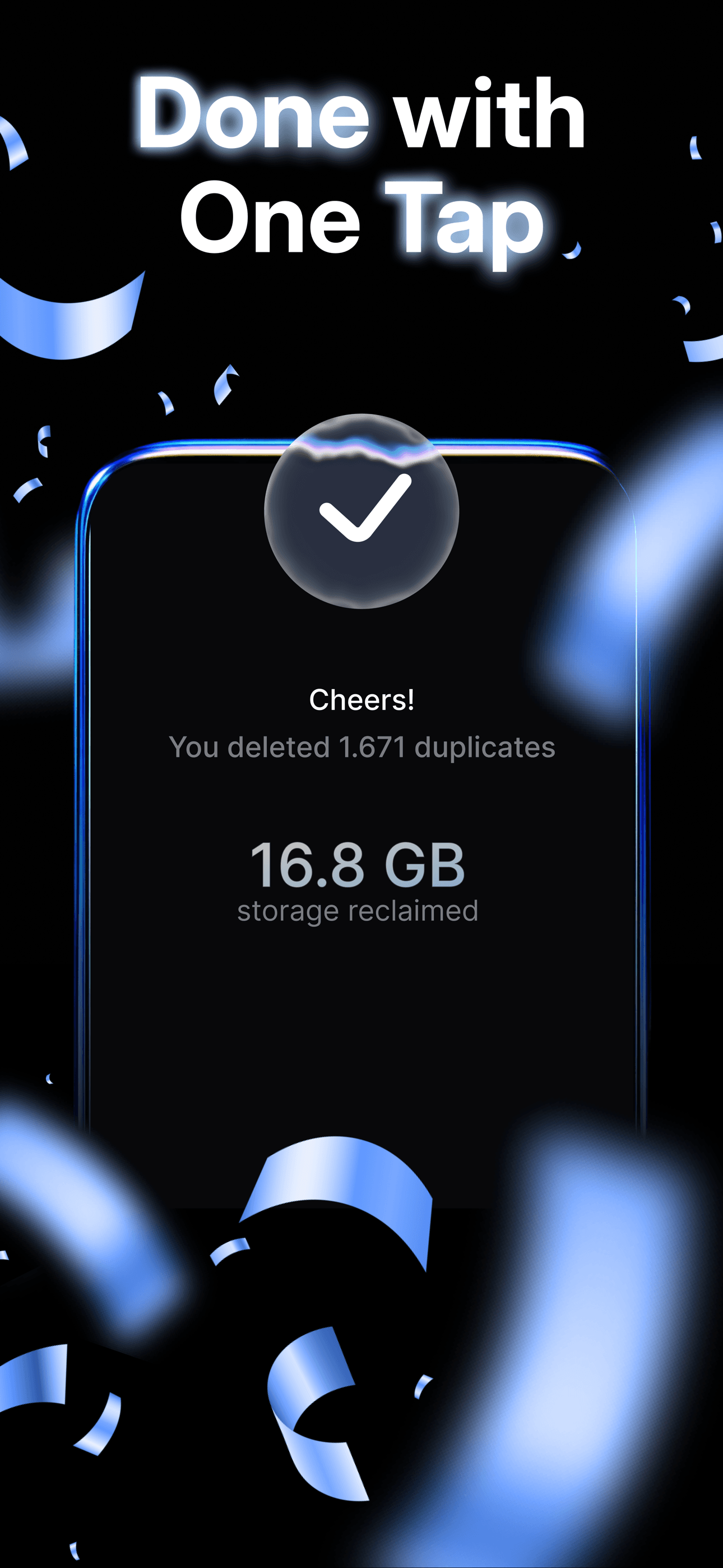
Tap to confirm. Storage back.
Handwritten notes, receipts, IDs — anything with writing — pulled into one album.
No accounts. No uploads. Scan, review, decide.


Your whole library, indexed on the phone. Nothing leaves it.
Duplicates, similars, blurry, texts, screenshots, large videos — six albums, split into review groups.
Tick what to delete. Nothing goes until you tap confirm.
Less to scroll past. The photos that matter rise back up.







Scanning runs on your phone — nothing is uploaded. Nothing is deleted until you tap confirm.
Photos never leave your iPhone.
You approve every removal.
Keep, delete, or skip — your call.
Free your camera roll. Keep what's worth keeping.